Personal Tech Blog v2.0
Astro · Azure · Git
Summary: In a previous post, I discussed how I created a Wordpress blog. However, I wanted to learn to use Git and Azure Static Web Apps to create a more performant blog.
Objectives:
- Create a fast and low cost blog to document my personal projects.
Objective 1: Create a fast and low cost blog to document my personal projects
Researching frameworks
The first step was to research how I wanted to create my blog. Rather than writing HTML, CSS, and javascript from scratch, I decided to test numerous frameworks. After learning and working with Gatsby, Hugo, and Astro (which are all static site generator frameworks), I decided to go with Astro. The workflow of Astro and the documentation made the most sense to me, and I was able to accomplish what I wanted.
I then found a theme that I liked and followed the documentation to setup a new Astro project. Using Astro, I was able to preview the project locally and see changes to my blog in real time. I then started working in Virtual Studio Code to convert my wordpress blog posts to use Markdown, which is what Astro uses to generate content to HTML pages.
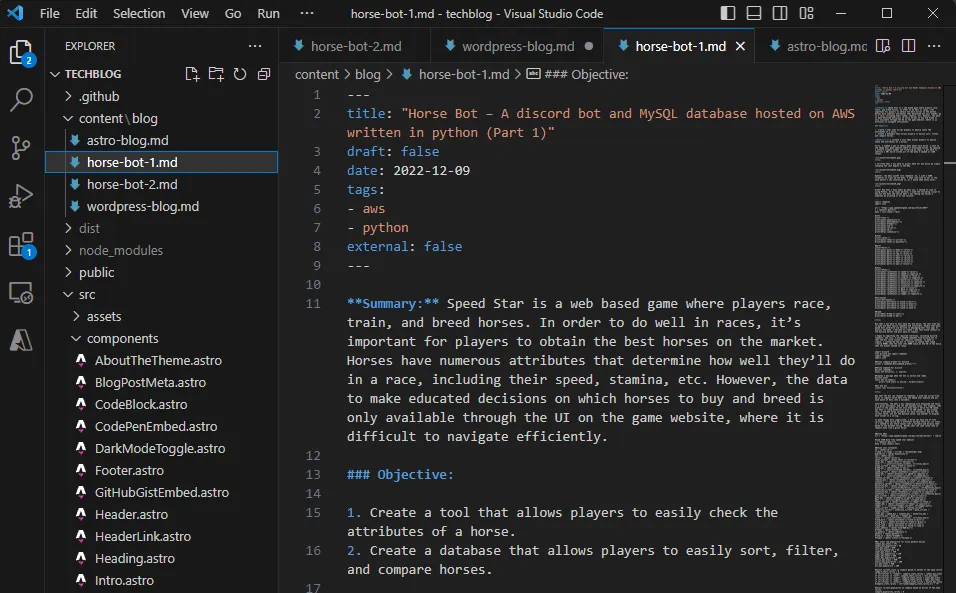
After customizing the theme to fit my needs, I wanted to put my blog on Github. I setup a repository and configured my VS code so that I could sync changes. I confirmed that it was working as expected with a few test commits.


Configuring Azure Static Web Apps for deployment
At this point, my blog was working well locally, but I needed to host it somewhere. I decided to use Azure Static Web Apps, as it allowed me to link my blog’s code from Github to Azure.
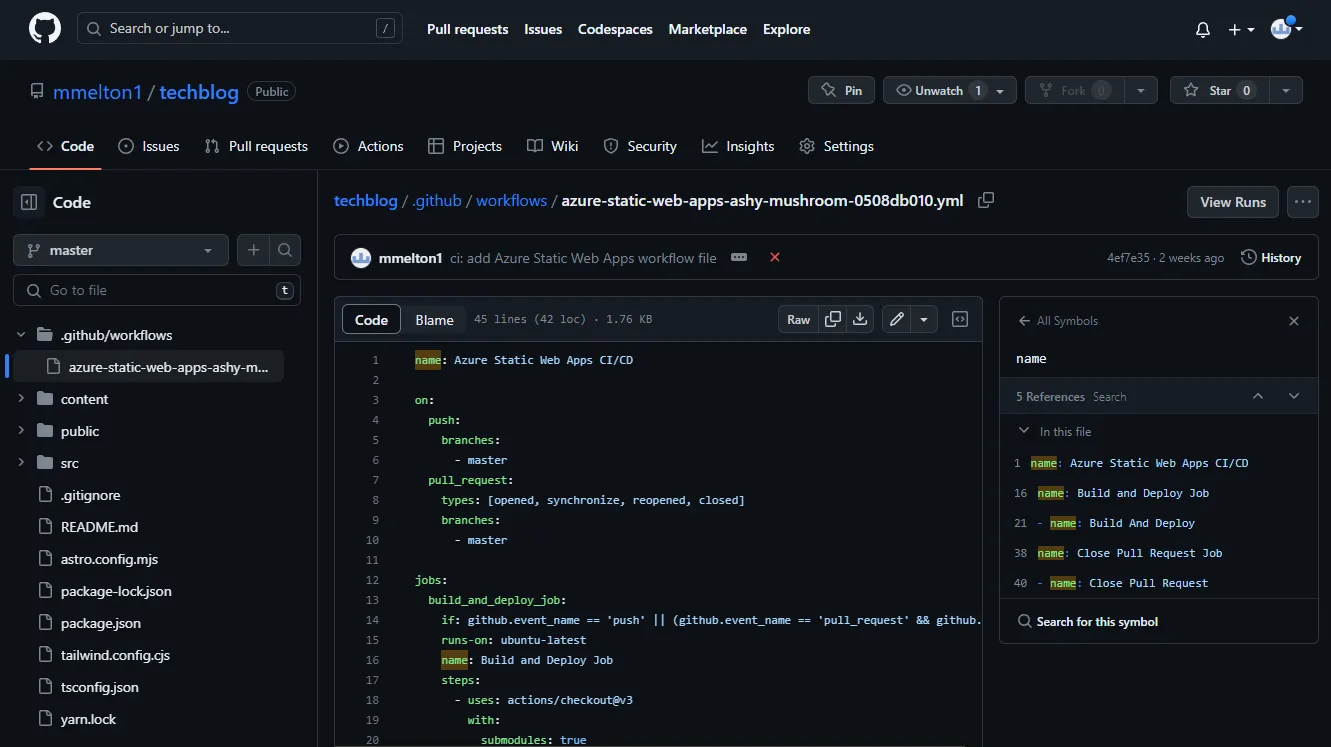
With the static web app configured, any commits I made in VS code to github would be picked up by azure in order to build my Astro blog. Also, I was able to view any build errors in the github actions section to verify whether a commit was successful, or to resolve any errors.

Finally, one of my main goals of migrating from wordpress to Astro was performance. Using Page Speed Insights to measure, I was able to bring the blog’s performance score from 88 to 100 (or .3 seconds, down from 4.3 seconds).